
Three taps to a tidier Facebook.
Tidy is a free Chrome extension. No setup, no account, no password. Here's the whole thing, from start to finish — and you can stop at any moment.
Choose what to tidy
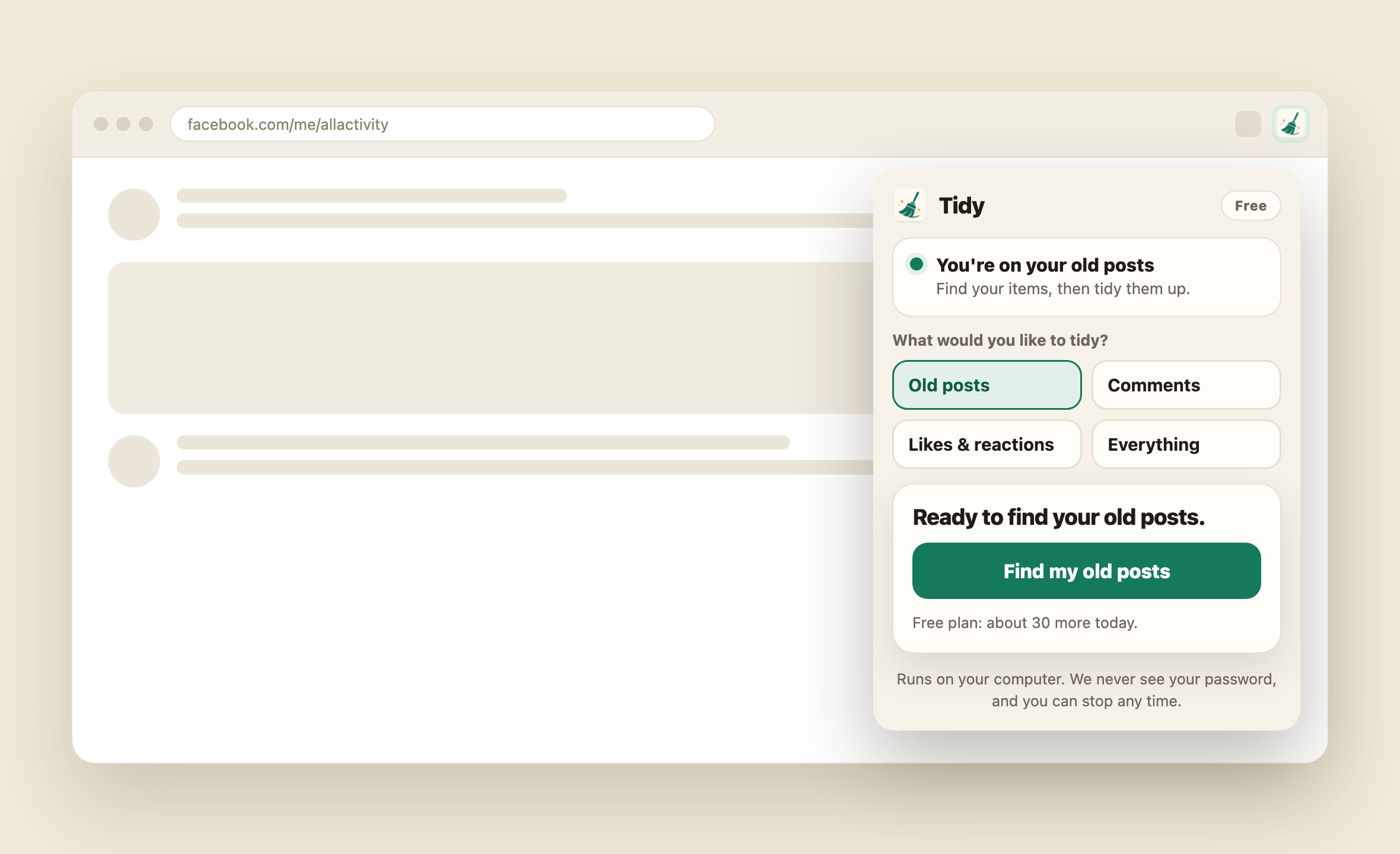
Open Tidy and pick what you'd like to clear — posts, comments, likes or the lot. One tap takes you to the right page on Facebook.
Find your old stuff
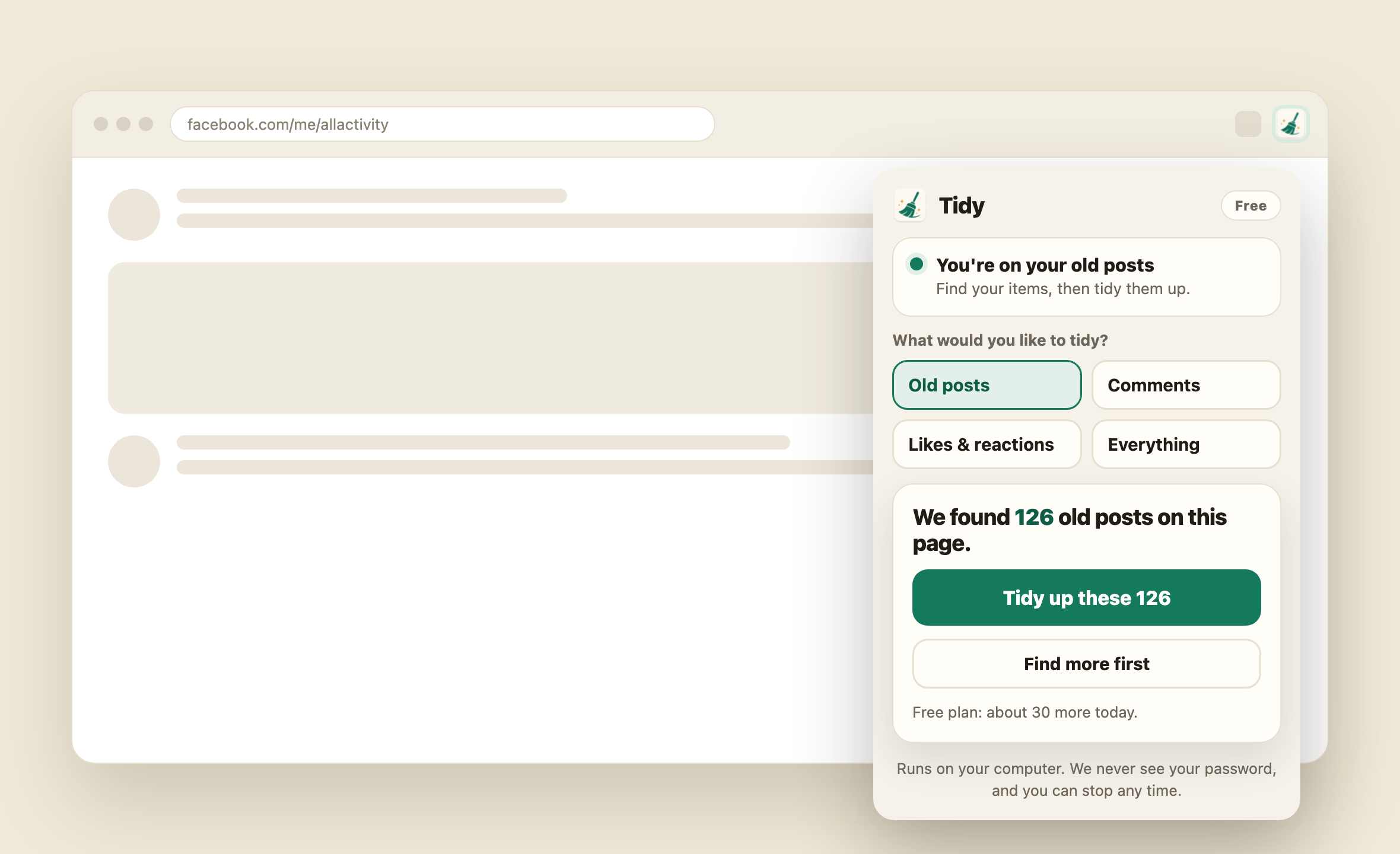
Tap "find" and Tidy gathers up everything in that section, scrolling back through your history — then tells you exactly how many it found before anything is removed.
Tidy it up
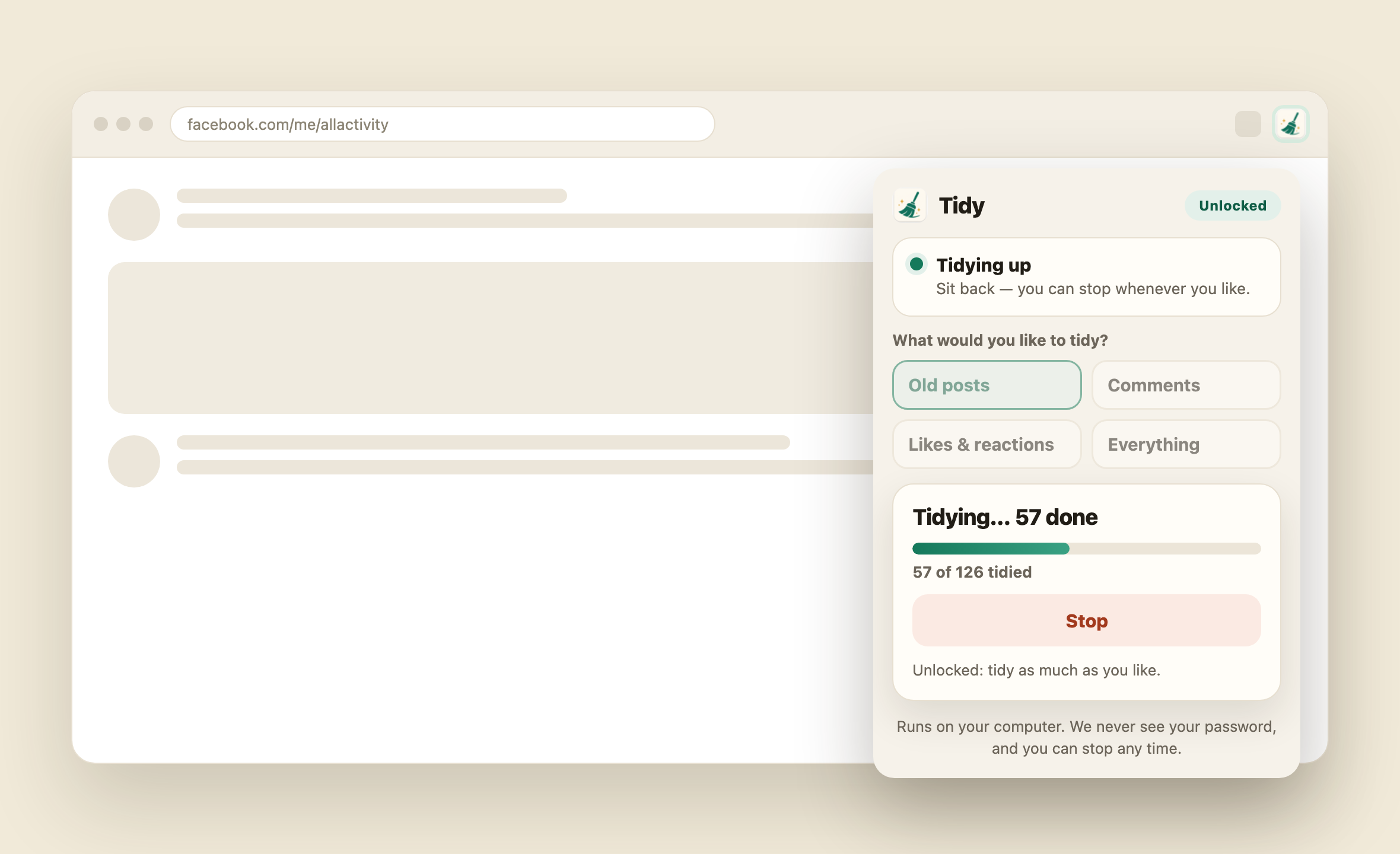
Happy with the count? Tap tidy and watch it work, with a running total as it goes. A stop button is always right there if you change your mind.
We scroll back so you don't have to.
Facebook only shows a little of your history at a time. Tidy keeps gently scrolling to bring older posts into view, so even the things you'd long forgotten about show up and can be cleared.
That's really all there is to it.
Get Tidy free and see how much lighter your Facebook can feel.